Why real-time dubbing runs a few seconds behind
On this page
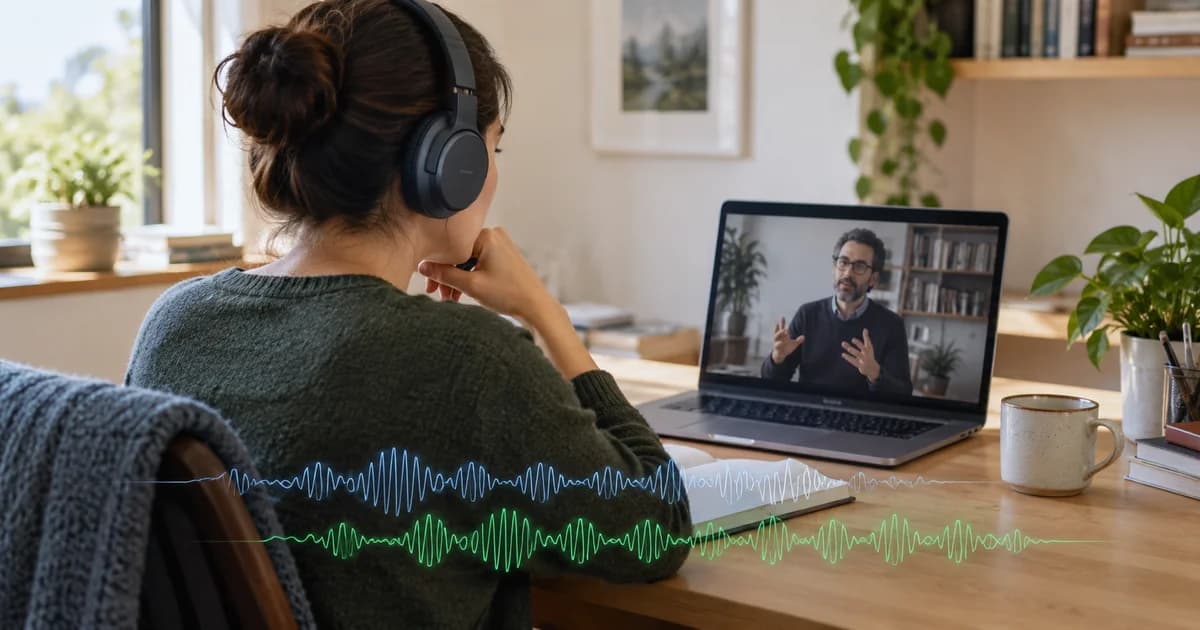
After a minute of real-time dubbing, most people ask the same thing: why is the voice behind? The captions sit close to the speaker. The translated voice arrives a few seconds later.
Two things cause it, and neither is a slow computer. The voice has to hear a phrase before it can say it. And a translated phrase usually takes longer to say than the original. The first sets a floor you cannot get under. The second decides whether a few seconds stay a few seconds.
It has to hear before it can speak
Nobody can translate a sentence they have not heard. Human interpreters work under the same rule. Interpreting research has a name for the distance between hearing and speaking, the ear-voice span, and the averages reported for professional simultaneous interpreters run between two and five seconds, according to a 2025 review of that research. That is people with years of training, in a booth, listening to one speaker.
Some languages make the wait longer, because the words that carry the meaning come last. German puts the main verb at the end of many sentences. Japanese and Korean put it last as a rule.
- Ich habe den VertragI have the contract.Sounds finished. It isn't.
- Ich habe den Vertrag gesternI … the contract yesterdayStill no verb
- Ich habe den Vertrag gestern nichtI did not … the contract yesterdayA no, but to what?
- Ich habe den Vertrag gestern nicht unterschrieben.I did not sign the contract yesterday.Now it can be said
So the voice waits until a phrase is complete enough to say, translates it, and starts speaking. It does not hold out for the end of a long sentence when a natural break comes earlier. But it cannot start before the meaning is there. A voice that guesses and gets it wrong is worse than one that is a little late.
Captions get a head start. A caption can appear as soon as the phrase is translated; the voice still has to be spoken aloud, at a pace you can follow. When you need to stay as close to the speaker as possible, read along and let the voice carry the rest.
How a few seconds turn into more
The second cause is easier to miss. A translated sentence is usually longer than the original. English into Spanish, French, Italian or Portuguese runs long. The speaker gets to pause between sentences. The voice often does not.
At natural pace, the voice is still finishing one line when the speaker is partway into the next. The next line is translated and ready, and it waits its turn. Each line starts a little later than the one before, and over a lecture the gap keeps growing.
Diagram. A speaker says six phrases, and the translated voice says each one after it. With auto catch-up off, every translated phrase starts a little later than the one before, so when the speaker stops the voice is still several phrases behind. With auto catch-up on, phrases that fall behind are spoken faster and the voice stays a short distance behind the speaker. With a fast speaker and a translation that runs long, even the faster voice falls further behind.
That is where the real choice is, and none of the options is free.
Pick two
A live translated voice can stay close to the speaker, speak at a natural pace, and say every line. When the translation runs long, it cannot do all three.
| What you keep | What it costs | In DubTab |
|---|---|---|
| Close to the speaker, every line | The voice speaks faster when it falls behind | Auto catch-up on (the default) |
| Natural pace, every line | The voice falls further behind over a long session | Auto catch-up off |
| Close to the speaker, natural pace | Some of what was said is cut or shortened | Not offered |
Human interpreters often take the third row. They generalize and drop what is not crucial, and the same review notes that interpreting research treats those compromises as preferable to overly fast speech. That is a judgment a person makes in the moment, about a speech they understand.
We do not let software make it for you. In a lecture or a course, the line that sounds skippable is sometimes the one you needed. So DubTab speaks every translated line in both settings, and the choice is between a faster voice and a later one.
What auto catch-up does
Auto catch-up speeds the translated voice up only once it has fallen behind. The first line plays at natural pace, and the voice eases back after it catches up. The video and the original audio are never sped up; they play at normal speed.
How often you hear it depends on the language you are dubbing into. Into English it has comparatively little to do. Into languages whose translations run long, Spanish most of all, the voice spends a lot of its time sped up. You will hear that. We would rather say so here than have you discover it.
Sometimes it is not enough. A fast speaker with a translation that runs long can outpace even the faster voice. The gap grows again, more slowly, and shrinks when the speaker pauses. That is the bottom row of the diagram above.
When that happens:
- Read the captions when timing matters. They stay close to the speaker either way.
- Turn auto catch-up off if the faster voice bothers you more than the delay. Every line still plays, at natural pace, further behind.
- Find the setting in the dubbing delay help article. It has a different name in the extension and the desktop app.
No delay means it was made in advance
Real-time dubbing with no delay does not exist. A dub that lines up perfectly with the picture was made ahead of time, from the whole recording, like the dub track YouTube can generate when a video is uploaded. That is a different product, and we wrote about the difference. When an official dub exists in your language, use it.
Everything else — a live stream, a course, a call — has to be heard first. What we control is what happens after: keeping a few seconds from turning into a minute, being honest about when it cannot, and never deciding for you which of the speaker's words you did not need.